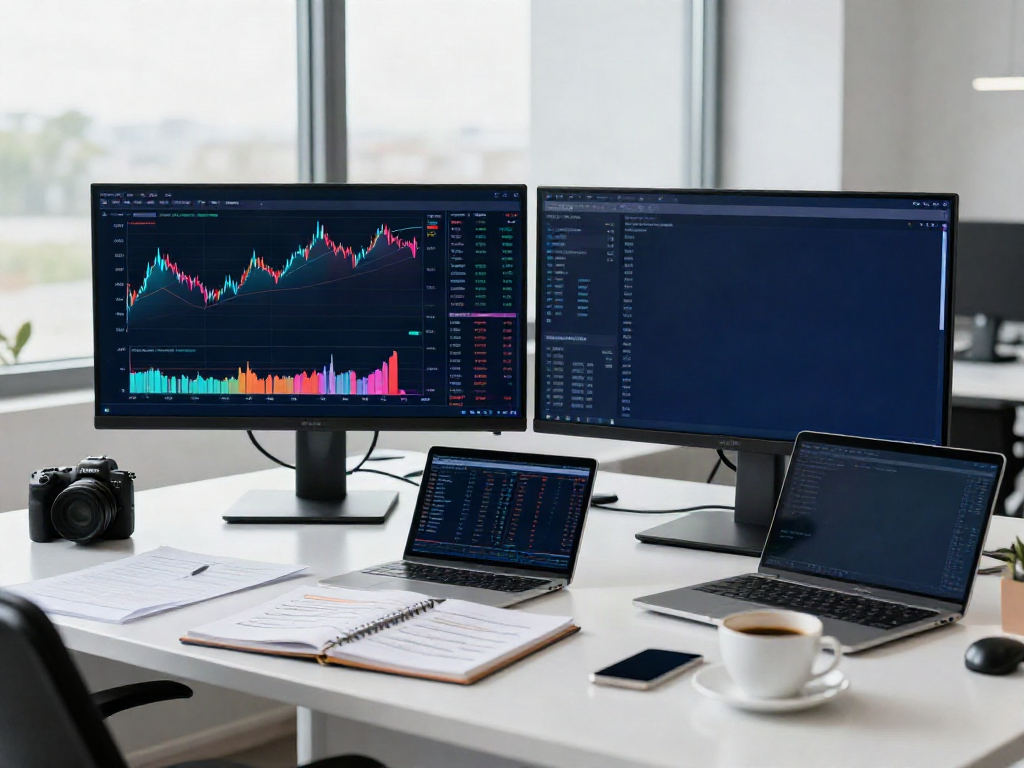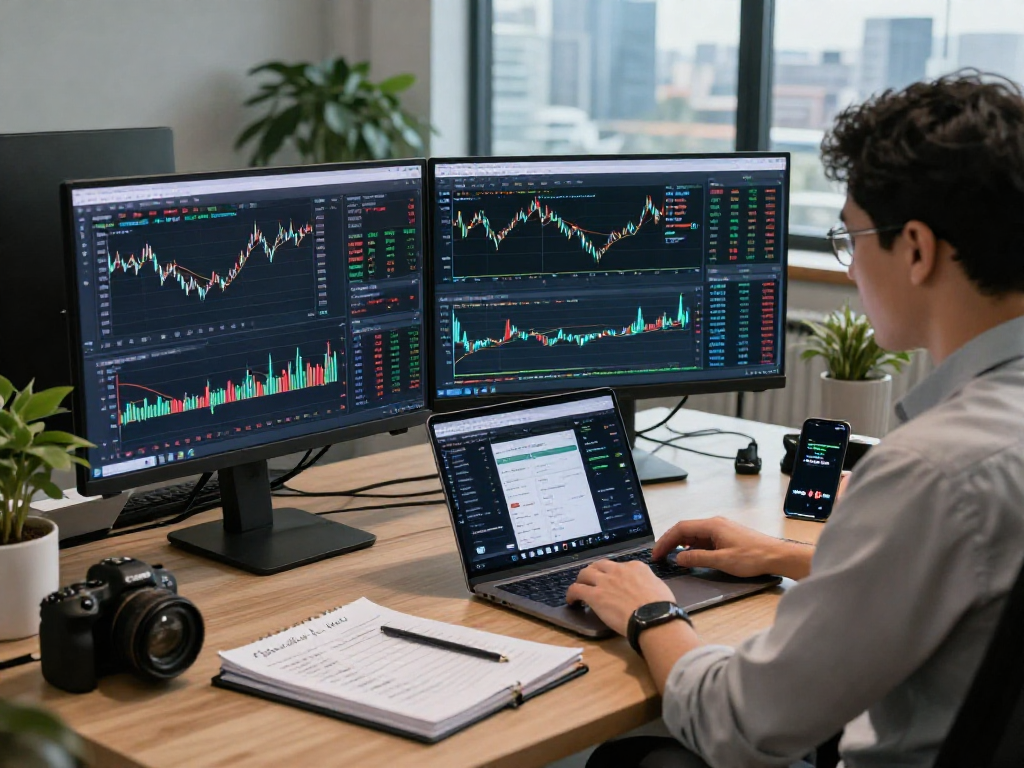
Understanding TradingView Features
TradingView is a powerful tool that provides traders and investors with a comprehensive platform for market analysis, charting, and alerts across various financial instruments. As the trading landscape evolves, having access to sophisticated features like multi-market data, professional charting capabilities, and customizable alerts becomes essential for informed decision-making. When exploring options, TradingView provides comprehensive insights that are crucial for both novice and experienced traders alike.
What Does TradingView Offer?
TradingView serves as a one-stop solution for a myriad of trading needs. It allows users to analyze different markets, including stocks, Forex, cryptocurrencies, and commodities, all within an integrated interface. The platform's core offerings include:
- Real-time Market Data: Users can access up-to-date information on asset prices across various markets.
- Advanced Charting Tools: With multiple chart types and a wide range of technical indicators, traders can conduct thorough analyses.
- Custom Alerts: Traders can set alerts based on price movements or technical conditions, enabling them to react promptly to market changes.
- Social Networking: Users can share ideas and strategies within the TradingView community, fostering collaboration and learning.
- Multi-device Compatibility: TradingView supports desktop, web, and mobile access, making it easy to trade on the go.
Main Functionality of TradingView Charts
The charting capabilities of TradingView are central to its appeal. Users can choose from an array of chart types, including candlestick, line, and bar charts, and overlay technical indicators such as Moving Averages, RSI, and MACD. Additionally, the platform supports:
- Multiple Time Frames: Traders can easily switch between different time frames to analyze short-term fluctuations or long-term trends.
- Customizable Templates: Users can save chart layouts and settings that suit their trading style, allowing for a more personalized experience.
- Drawing Tools: The platform offers various tools for annotating charts, enabling users to highlight key levels or patterns.
How Alerts Help in Trading
TradingView's alert system is designed to keep traders informed without requiring constant monitoring of the markets. Alerts can be configured for price levels, technical conditions, or even custom script conditions. Users benefit from:
- Reduced Monitoring Time: Alerts notify users only when specific criteria are met, allowing them to focus on analysis and strategy rather than watching prices incessantly.
- Flexible Notification Channels: Traders can choose to receive alerts via email, SMS, or through the TradingView app, ensuring they never miss critical signals.
- Customizable Conditions: Users can create detailed alert conditions based on a variety of indicators and strategies, tailoring their notifications to their unique trading approach.
Choosing the Right TradingView Plan
Selecting the appropriate TradingView plan can significantly impact your trading experience. The platform offers various plans, each with unique features and benefits tailored to different user needs.
Comparison of Free vs. Paid Plans
The free plan provides access to basic charting tools and limited alerts. In contrast, the paid plans offer enhanced features, including:
- Unlimited Alerts: Paid subscribers can set multiple alerts without restrictions, allowing for more proactive trading strategies.
- Advanced Technical Indicators: Users gain access to more sophisticated indicators and tools that facilitate deeper market analysis.
- Ad-Free Experience: Subscribers enjoy an uninterrupted interface without advertisements, making for a smoother experience.
Assessing Your Trading Needs
To choose the right TradingView plan, users should assess their trading frequency, style, and the markets they trade. For casual traders or beginners, the free plan may suffice. However, more active traders or those relying heavily on technical analysis may find the paid plans more beneficial.
Feature Breakdown by Plan Type
Here’s a brief overview of features available across the different TradingView plans:
- Free Plan: Basic charting tools, limited indicators, up to 3 alerts.
- Pro Plan: Additional indicators, unlimited alerts, and custom time intervals.
- Pro+ Plan: All Pro features plus the ability for more than one chart in a single layout.
- Premium Plan: Full feature set including extensive alerts, priority customer service, and more!
Using TradingView Across Devices
One of TradingView's key advantages is its compatibility across devices. This multi-device access ensures that traders can maintain continuity in their analysis and trading activities.
Benefits of Multi-Device Access
The ability to access TradingView on desktop, mobile, and web offers significant benefits:
- Flexibility: Traders can analyze the markets from anywhere, whether at home or on the move.
- Consistent User Experience: Settings and preferences are synchronized across devices, allowing for a seamless transition between environments.
- Real-Time Access: Users can stay updated with market changes and respond to alerts promptly, regardless of their location.
How to Sync Your Settings
To ensure that settings are synchronized across devices, users must log into the same TradingView account. This process allows traders to:
- Save Chart Layouts: Chart layouts can be saved and accessed from any device, preserving the user's analysis environment.
- Maintain Alerts: Alerts set on one device will be active on all devices, ensuring consistent monitoring.
Accessing TradingView on Mobile
The TradingView mobile app is designed for traders who need to stay connected on the move. The app offers a user-friendly interface with most essential features available, including:
- Charting Tools: The mobile app provides multiple indicators and drawing tools.
- Alerts Management: Users can create, modify, and receive alerts directly through their phones.
- Community Interaction: Traders can interact with the TradingView community, sharing ideas and insights from anywhere.
Practical Tips for TradingView Users
Maximizing the potential of TradingView involves understanding how to use its features effectively. Here are some practical tips:
Optimizing Your Chart Setup
Users should tailor their chart setups by adjusting layouts, time frames, and indicators to enhance usability:
- Customize Default Settings: Adjust default chart settings based on personal preferences to speed up the analysis process.
- Utilize Multi-Chart Layouts: Leverage the multi-chart feature to monitor multiple assets or time frames simultaneously.
Effective Use of Alerts
To get the most out of alerts, consider these strategies:
- Set Realistic Conditions: Ensure alert criteria are aligned with your trading strategy to avoid unnecessary notifications.
- Prioritize Alerts: Use different alert types to distinguish between critical levels and less urgent notifications.
Creating Watchlists and Screeners
Using the watchlist and screener features effectively can enhance market tracking:
- Curate Your Watchlist: Include assets that align with your trading strategy and regularly monitor their performance.
- Set Screening Criteria: Use filters based on volume, price movements, or technical indicators to identify trading opportunities.
Future Trends in Trading and Technology
The trading landscape is continually evolving, influenced by technological advancements and market dynamics. Understanding these trends can prepare traders for the future.
Emerging Trends for 2026
As we look ahead, some emerging trends include:
- Increased Automation: More traders are expected to adopt algorithmic trading systems and automated alerts.
- Integration of AI: Artificial intelligence is predicted to shape trading strategies and enhance market predictions.
The Role of AI in Trading Platforms
AI technology will likely play a pivotal role in identifying market trends, executing trades, and managing portfolios. Platforms that incorporate AI features are expected to gain a competitive edge.
What to Expect from TradingView
As a leading trading platform, TradingView is likely to continue evolving its features, incorporating user feedback and emerging technologies to enhance user experience.
How is TradingView Adapting to Market Changes?
TradingView actively adapts to market changes by regularly updating its tools and adding new features, ensuring that users are equipped with the latest capabilities to navigate an ever-changing financial landscape.